August 2026 · Feature
Connect your other software to your tree inventory
Create a key, tick what it may do, and hand it to whatever needs it. Your trees, sites, customers and catalog become readable by another program, and it can write estimates for you.
First
Is this for you?
Probably not, and that is a fine answer. If Tree Inventory AI is the only software you use, nothing here changes your day.
It is worth ten minutes if any of these is true:
- You keep a spreadsheet of quotes and retype them into estimates.
- Your office runs another tool that needs to know what is on a property.
- You have started using an AI assistant and want it to work on real jobs instead of made-up ones.
- Someone technical has offered to wire something up for you.
You do not have to be the one who writes the code. Your job is the key and the permissions on it. Whoever builds the thing wants the API documentation.
Step one
Create a key
- Open Settings, then API keys.
- Press Create key.
- Name it after whatever will hold it. Quoting assistant or Office spreadsheet, not key 1. In six months you will want to know what breaks if you turn it off.
- Tick only what that thing actually needs.
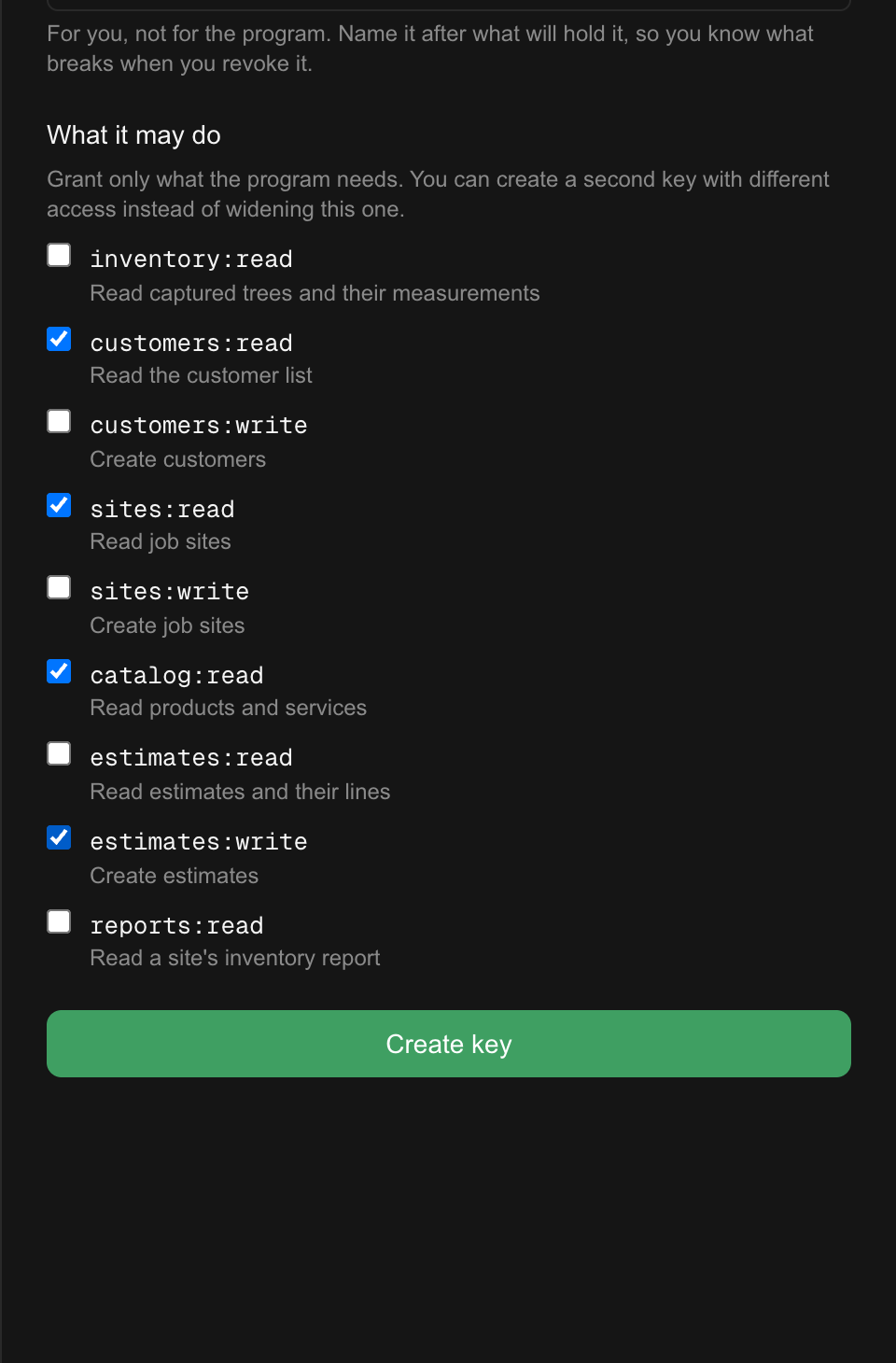
The permissions are separate on purpose. A tool that only needs to look at your inventory should not be able to create anything, and if it is later compromised the damage is bounded by what you ticked. You can always create a second key rather than widen this one.
A key can never do more than you can
It inherits your access, so a key you create is capped by your own role. Someone on a view-only account can make a reporting key and will be refused the write permissions by name. Nobody can grant themselves more access by going through a key.
Step two
Copy it once
The key appears exactly once, right after you create it. We store only a scrambled version, so we genuinely cannot show it to you again. Copy it into whatever needs it before you close the panel.
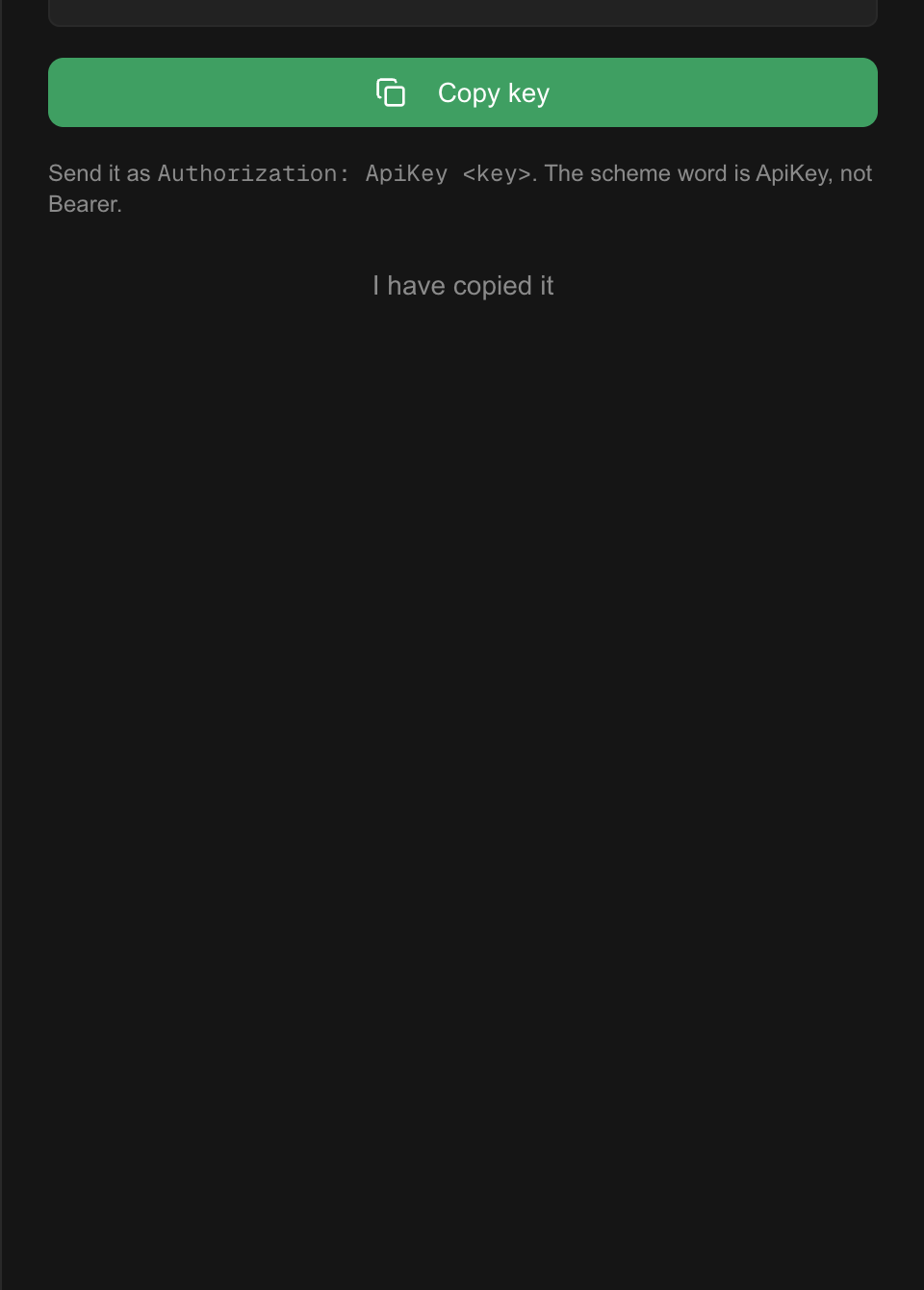
Lost it? Nothing is broken. Press Rotate on that key and you get a fresh secret on the same key, with the same name and the same permissions. The old secret stops working the instant the new one appears, so update whatever was holding it.
Step three
Keep an eye on them
The list shows every key, what it may do, and when it was last used. That last column is the useful one. A key nobody has used in months is a key you can revoke.
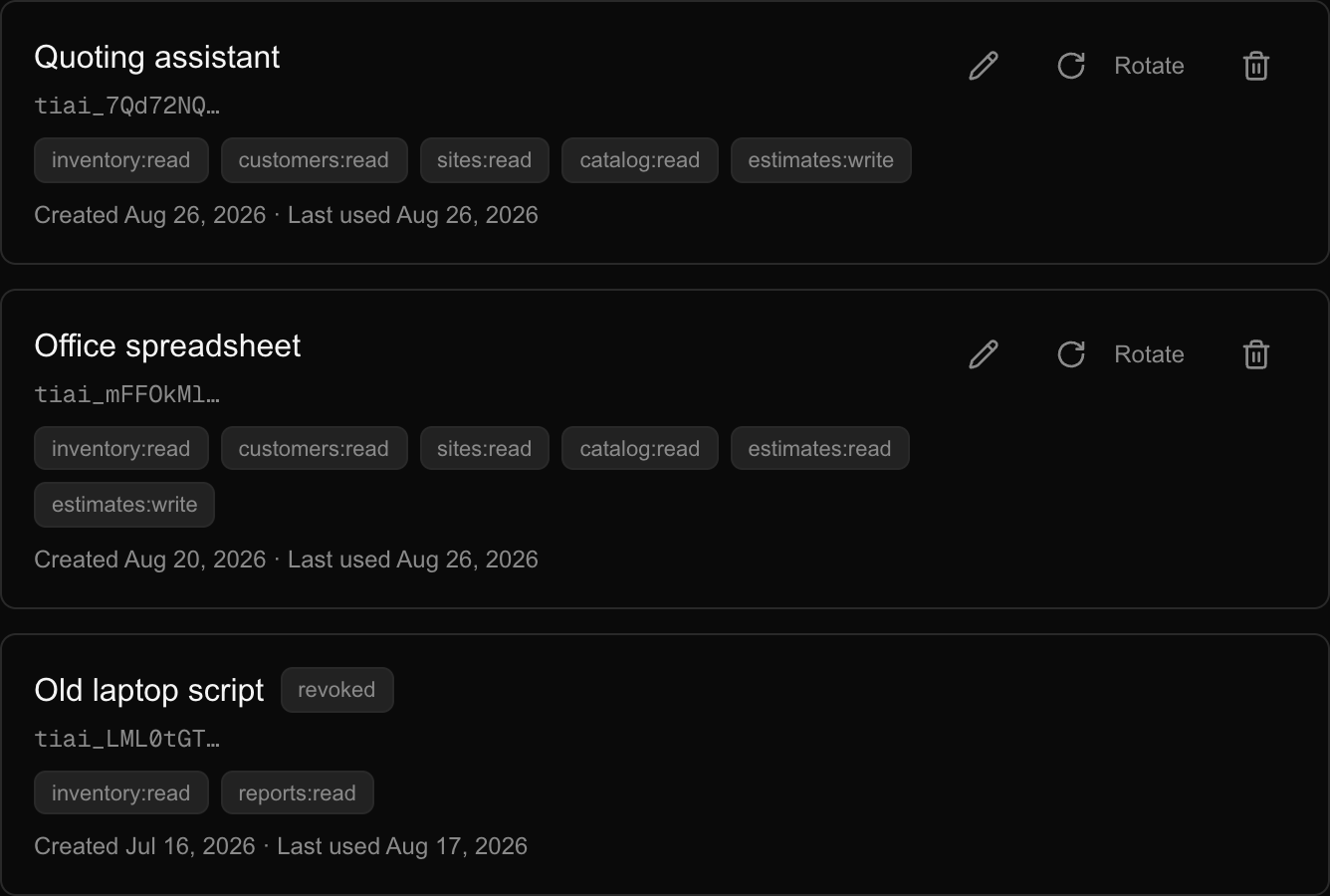
- Rotate replaces the secret and keeps everything else. Use it when a key has leaked, or when you have simply lost it.
- Revoke kills the key for good, that second. Anything using it stops working immediately, and it cannot be undone. A revoked key stays in the list, labelled, so you can see it was you.
- Renaming does not affect anything using the key.
What it can touch
What a key can and cannot do
The list is short on purpose. This is not a second copy of the app with a different front door.
It can read:
- Your customers and your job sites.
- The trees your crew captured, with their measurements and the confidence attached to each one.
- Your products and services, and their default prices.
- A site's inventory as a mapping file.
It can create:
- Customers and job sites.
- Estimates.
It cannot:
- Capture a tree. That stays in the phone app, where the camera is.
- Touch invoices, payments, scheduling, crews or time.
- Send anything to a customer.
- Change or delete an estimate once it exists.
An estimate created this way is a draft
It lands in your estimates list the way any draft does, and nothing reaches your customer until you open it and send it yourself. We are not going to let a piece of software email a price to somebody on your behalf.
This is also the reason to look at the first few estimates a new tool produces. It cannot edit them afterwards, so a mistake is a draft you delete in the app rather than something you have to chase.
Last
Handing it over
Whoever is building against this needs three things from you: the key, the base address https://app.treeinventory.ai/api/v1, and the documentation. Everything else is in there, including a worked example that turns a row of a spreadsheet into a draft estimate in four calls.
Send the key over something private. It is a password to your organization, bounded by the permissions you ticked. If you are not sure a channel is safe, create the key, send it, and rotate it later once it is installed.
If something looks wrong
Revoke first and ask questions after. Revoking is instant and free, and a new key takes fifteen seconds. There is no situation where leaving a suspect key alive is the better call.